

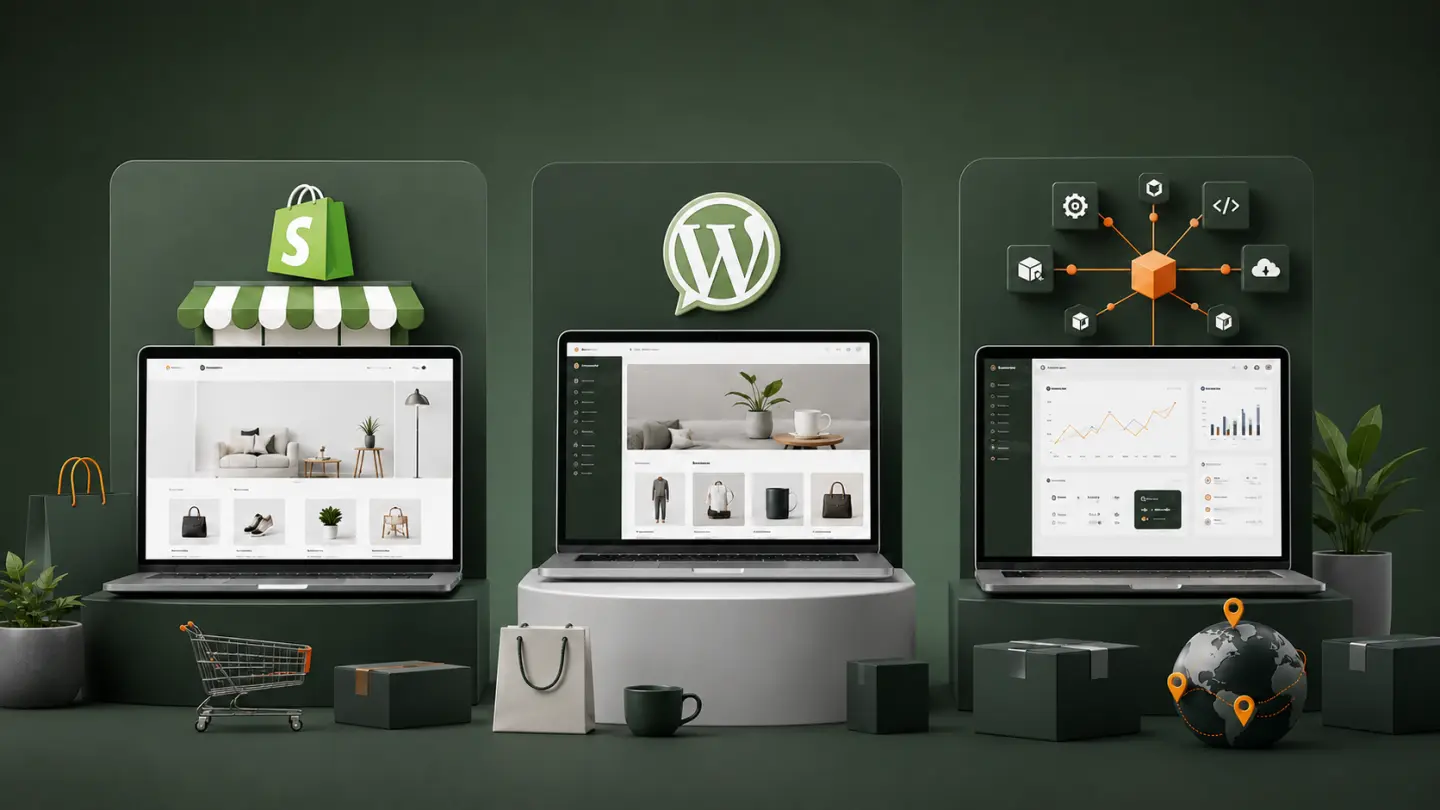
Choosing an e-commerce platform often starts with the wrong question:
Which platform is the best?
There isn't one.
A store selling 40 handmade products has completely different requirements from a distributor managing 30,000 SKUs, customer-specific pricing and ERP synchronization.
Shopify, WooCommerce and custom development can all be excellent choices. The challenge is choosing the platform whose limitations match your business.
Because every platform has limitations.
The expensive mistakes usually happen when businesses discover those limitations after the store has already been built.
Shopify: When You Want Commerce to Be the Platform's Problem
Shopify is attractive because a large part of the commerce infrastructure is already provided and managed for you. Its platform supports standard storefronts as well as API-driven, headless and more modular implementations for larger requirements.
For many businesses, that removes a substantial amount of technical responsibility.
You can concentrate on:
- products
- merchandising
- marketing
- orders
- customers
- fulfillment
- growth
rather than maintaining the underlying commerce platform itself.
Shopify Is Particularly Compelling When:
- you want to launch relatively quickly
- your commerce model is reasonably conventional
- you don't want to maintain WordPress or your own commerce infrastructure
- existing apps and integrations cover most requirements
- the checkout and order lifecycle do not require highly unusual behavior
- your team prefers a managed platform
And Shopify isn't limited to tiny stores. Shopify positions its enterprise offering across B2C, B2B and retail, with APIs and modular or headless options available for more sophisticated implementations.
The important distinction is that customizable does not mean unlimited.
You are still building on Shopify.
That is often a benefit. Sometimes it is the constraint.
WooCommerce: When Content and Commerce Belong Together
WooCommerce takes a very different approach.
It is an open-source e-commerce platform built on WordPress, with extensive customization available through themes, extensions and custom development.
That makes it particularly interesting for businesses where the website is not simply a store.
Imagine a company publishing:
- detailed guides
- editorial content
- landing pages
- comparison articles
- case studies
- resources
- product education
alongside its catalog.
WordPress is already very comfortable with that type of content operation, while WooCommerce adds products, orders, payments, shipping, customer accounts and other commerce capabilities.
WooCommerce Tends to Make Sense When:
- WordPress is already central to the website
- content marketing is important
- you want substantial control over the site
- your developers need access to modify commerce behavior
- existing WooCommerce extensions cover most requirements
- you are comfortable owning more of the technical environment
That last point matters.
With WooCommerce, flexibility comes with responsibility.
Your hosting, WordPress installation, extensions, updates, custom code and overall technical quality become part of the system you need to maintain.
WooCommerce gives you more ownership. Ownership also means more things become your responsibility.
If WordPress is already part of the decision, it is worth understanding the broader trade-offs between WordPress and custom development before choosing the commerce layer.
Custom E-commerce: When the Store Is Really Business Software
Then there are projects where neither Shopify nor WooCommerce is the natural starting point.
Consider a manufacturer or distributor whose customers need to:
- sign in to company accounts
- see negotiated pricing
- browse a large catalog
- check account-specific stock availability
- generate quotations
- route orders through approval workflows
- synchronize orders with an ERP
- apply complex commercial rules
At this point, the project is not simply an online shop.
It is a business system that happens to sell products online.
That distinction matters.
Trying to force proprietary operational logic into a conventional commerce platform can eventually produce layers of plugins, middleware, workarounds and exceptions.
Custom development becomes attractive when the unusual behavior is not peripheral—it is the core of the business.
Don't Confuse “Custom Design” With “Custom E-commerce”
This distinction causes a lot of unnecessary confusion.
You can have:
- a fully custom-designed Shopify store
- a fully custom-designed WooCommerce store
- a custom frontend connected to an existing commerce backend
without building an entire commerce system from scratch.
Both Shopify and WooCommerce can support highly customized implementations while keeping established commerce functionality underneath.
So:
Custom design ≠ custom commerce platform.
Replacing proven product, order, payment and checkout functionality simply because you want a unique-looking storefront is usually unnecessary.
The Decision Usually Comes Down to Five Questions
Instead of comparing endless feature lists, answer these.
1. How Unusual Is Your Business Model?
If your flow is basically:
product → cart → checkout → payment → fulfillment
a mature commerce platform is usually the logical place to begin.
If every arrow in that process comes with ten business-specific exceptions, custom development becomes much more interesting.
2. How Important Is Content?
If editorial content and commerce are deeply connected, WooCommerce's WordPress foundation can be a strong advantage.
If the business is primarily commerce-driven, Shopify may provide a more focused operating environment.
This is not simply a CMS decision. Content can also influence acquisition, search visibility and the overall website conversion journey.
3. What Must the Store Integrate With?
Make an actual list:
- ERP
- accounting
- warehouse systems
- CRM
- shipping providers
- marketplaces
- POS
- supplier feeds
- proprietary APIs
Then investigate the integration before choosing the platform—not after.
A platform that handles the storefront beautifully but constantly fights the company's operational systems may be the wrong architecture.
4. Who Will Maintain It?
A platform that your organization cannot comfortably operate is not a good platform for your organization.
Consider who will handle:
- products
- promotions
- content
- technical updates
- integrations
- incidents
- development
The operational model matters just as much as the feature list.
5. What Happens When the Business Grows?
Don't attempt to predict every requirement for the next decade.
But do look at the next few realistic steps.
If today's simple store is likely to become a B2B portal with customer-specific workflows in 18 months, that should influence today's architecture.
The objective is not to overengineer the first version. It is to avoid creating an obvious architectural dead end.
A Practical Rule of Thumb
Choose Shopify when you want a managed commerce platform, faster implementation and relatively standard commerce workflows, while still retaining an app and API ecosystem for more advanced requirements.
Choose WooCommerce when WordPress and content are central to the business and you value open-source control and extensibility.
Consider custom development when proprietary workflows, integrations and business rules are becoming the product itself.
And don't assume the answer has to be pure.
A custom business application can interact with an established commerce platform. A storefront can be headless. Marketing content and transactional systems can live in different layers.
The best architecture is sometimes a combination.
The Cheapest Platform Can Become the Most Expensive Choice
Initial development cost matters.
It just shouldn't be the only number you consider.
A better comparison includes:
- initial build
- extensions and applications
- maintenance
- hosting and infrastructure
- integration development
- recurring platform costs
- operational labor
- future customization
- migration risk
A $5,000 implementation that constantly fights the business may cost far more than a $15,000 architecture that fits it properly.
Likewise, spending $30,000 building custom commerce infrastructure for a straightforward store can be equally wasteful.
This is the same principle that applies when evaluating the broader cost of a professional business website: the cheapest initial quote is not necessarily the lowest-cost solution over its useful life.
The goal is not maximum customization. The goal is the minimum complexity required to support the business well.
Performance Still Depends on the Implementation
Platform choice matters, but none of these options automatically guarantees a fast store.
Large product images, excessive third-party scripts, poorly implemented themes, unnecessary applications and inefficient frontend code can slow down Shopify, WooCommerce or a custom system.
Conversely, all three approaches can deliver strong performance when engineered carefully.
The more useful question is whether the architecture gives the team enough control to solve the performance problems that actually matter.
For a deeper look at that relationship, see why website speed matters for SEO, sales and user experience.
Final Thoughts
Shopify, WooCommerce and custom e-commerce are not three levels on a ladder where custom development automatically sits at the top.
They solve different problems.
For a straightforward commerce operation, Shopify may remove technical complexity you have no reason to own.
For a content-heavy WordPress business, WooCommerce may provide exactly the flexibility you need.
For a company whose pricing, customer workflows, integrations and operational rules are genuinely unique, custom development may eventually become the simpler architecture—not the more complicated one.
Start with the business model.
Then the operations.
Then the integrations.
Technology comes after that.