

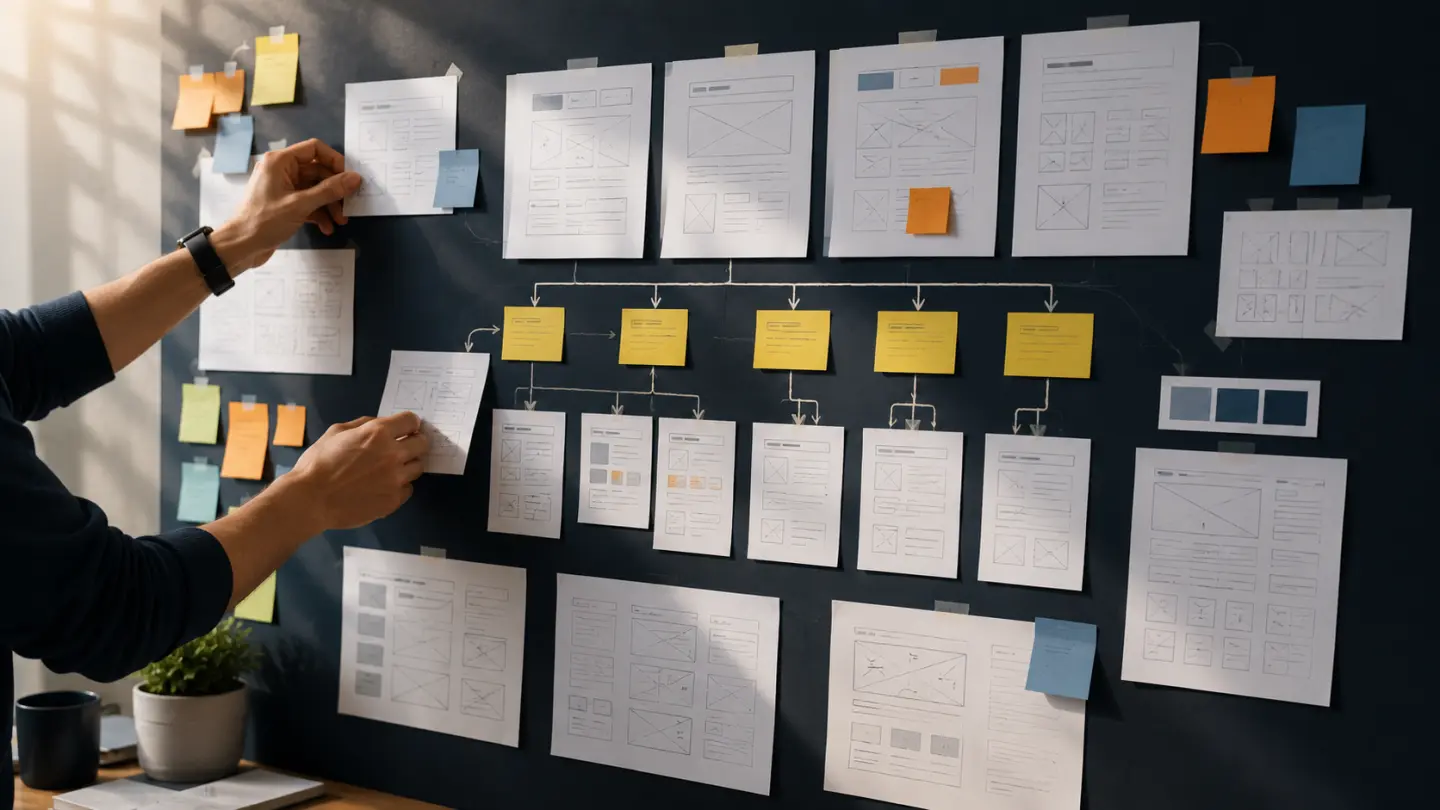
A website project often seems to begin with design.
Colors are discussed.
Homepage layouts are explored.
Fonts are compared.
Reference websites are collected.
But many of the decisions that determine whether the website will actually work should happen before visual design begins.
If the business goal is unclear, the designer is forced to guess.
If the content does not exist, layouts are created around placeholder text.
If required functionality is discovered late, the architecture may need to change.
If nobody knows which pages are necessary, the sitemap grows while the project is already underway.
Good website planning reduces those problems.
The objective is not to create a massive specification before anyone designs anything.
It is to give the project enough direction that design can solve the right problem.
1. Define What the Website Is Supposed to Achieve
Start with the business outcome.
A website can serve many purposes:
- generate leads
- sell products
- explain complex services
- establish credibility
- support sales conversations
- recruit employees
- provide customer information
- publish content
- enter a new market
Those goals are not interchangeable.
A website designed primarily for lead generation may emphasize:
- service clarity
- trust
- proof
- calls to action
- contact flows
A content-heavy website may need stronger:
- navigation
- categories
- search
- editorial structure
- internal linking
An e-commerce website has another set of priorities entirely.
Before discussing the homepage, complete this sentence:
The primary job of this website is to ________.
There may be secondary objectives, but the primary objective should be clear.
Without it, design decisions become subjective.
2. Identify the Most Important Users
A business usually serves more than one type of visitor.
For example, a software company may receive visits from:
- potential customers
- existing customers
- partners
- job candidates
- investors
- suppliers
Not all of them should have equal priority.
Ask:
Who is the website primarily trying to help?
Then understand what those users need when they arrive.
A potential customer may want to know:
- what you offer
- whether you understand their problem
- what makes you credible
- whether you have relevant experience
- how to contact you
A returning customer may need support documentation or account access.
These are different journeys.
Design becomes much easier when the project knows whose journey matters most.
3. Understand What Visitors Need to Know Before They Act
A website should answer the questions that prevent users from moving forward.
For a service business, those questions might include:
- What exactly does this company do?
- Is this service relevant to my business?
- Can I trust them?
- Have they solved similar problems?
- What does working with them look like?
- What might the project cost?
- How do I get started?
This information should influence the page structure.
If pricing uncertainty is a major barrier, the website may need content explaining how pricing works.
If technical credibility is important, case studies or detailed service pages may matter more.
If visitors frequently misunderstand the offer, the homepage messaging deserves particular attention.
A website should not be organized around what the company wants to say.
It should also reflect what users need to understand before taking the next step.
4. Plan the Sitemap Before Individual Pages
A sitemap is simply the planned structure of the website.
For a small business, it might begin with:
Home
Services
    Website Development
    E-commerce Development
    Custom Software
About
Insights
FAQ
Contact
The exact structure is less important than the thinking behind it.
A useful sitemap helps answer:
- What topics deserve their own pages?
- Which information belongs together?
- How will visitors move between sections?
- Which pages should be accessible from the main navigation?
- Which pages exist mainly for search or campaign traffic?
Do not create separate pages simply to make the website look larger.
Every important page should have a clear purpose.
This is especially relevant when deciding whether an existing site needs a redesign or a deeper structural change.
5. Decide What Content Must Exist
Design without content often creates avoidable problems.
A layout may look excellent with:
Lorem ipsum dolor sit amet
but completely fall apart when the real service description is three times longer.
Before design begins, identify the content required for each major page.
For example, a service page may need:
- service introduction
- problems solved
- capabilities
- process
- relevant examples
- FAQs
- call to action
The copy does not always need to be completely finalized before design.
But the content structure should be understood.
Design should support the information rather than force the information into a predetermined visual template.
6. Identify Required Functionality Early
A business website may appear simple while depending on important functionality.
Examples include:
- contact forms
- quote requests
- appointment booking
- customer login
- multilingual content
- newsletter signup
- document downloads
- search
- filtering
- gated content
- calculators
- location finders
If these requirements are discovered after the visual design is complete, screens may need to be redesigned.
Functional requirements can also influence technology decisions.
A simple content website may fit comfortably within WordPress.
A project with specialized business workflows may justify a more custom approach.
This is why the decision between WordPress and custom development should come from the requirements rather than preference alone.
7. Identify External Integrations
Websites increasingly connect to external systems.
Before design and development, determine whether the project needs to communicate with:
- CRM platforms
- email marketing tools
- booking systems
- payment providers
- analytics platforms
- ERP systems
- recruitment platforms
- customer databases
- external APIs
Even when an integration has little visible effect on the interface, it can affect the technical scope.
For example, a contact form may appear straightforward but also need to:
- validate the submission
- create a CRM lead
- assign the correct sales team
- subscribe the contact to a marketing workflow
- send a confirmation email
- record attribution data
That is much more than a visual form.
8. Decide How Content Will Be Managed
Ask what the business needs to edit after launch.
This may include:
- services
- pages
- team members
- FAQs
- articles
- case studies
- locations
- testimonials
Not every piece of text needs to be individually configurable.
Too much flexibility can make administration unnecessarily complicated.
The goal is to give the business control over content that genuinely changes while keeping structural elements stable.
This decision also helps determine the appropriate CMS and content model before templates are designed.
9. Gather Real Assets Early
Real content changes design.
A company may have:
- photography
- product images
- team portraits
- logos
- diagrams
- case-study screenshots
- videos
- certifications
- client logos
Knowing what actually exists prevents layouts from being designed around assets that the business does not have.
For example, a design built around dramatic professional photography will create a problem if the company only has a few low-resolution mobile photos.
The opposite is also true.
Strong existing assets can influence the design direction in useful ways.
10. Define the Primary Calls to Action
What should visitors do?
Common calls to action include:
- Get a Proposal
- Contact Us
- Book a Call
- Request a Quote
- Start a Trial
- Buy Now
- View Products
A website may contain several actions, but there should usually be a clear priority.
If every section asks the user to do something different, the experience becomes noisy.
The primary CTA should align with the site's business objective.
For a service company, the path might be:
understand → evaluate → trust → contact
The design should make that path easier rather than adding buttons simply because space exists.
This is part of the broader question of what makes a website convert visitors into customers.
11. Think About SEO Before the Design Is Finished
SEO should not arrive after the website is already designed.
Early planning should consider:
- which topics deserve dedicated pages
- URL structure
- internal linking
- headings
- content depth
- search intent
- navigation
- page hierarchy
For example, placing three important services on one generic page may look elegant.
But if each service represents a distinct customer need and search topic, separate pages may be more useful.
This does not mean designing the site around keywords.
It means making sure the information architecture supports both users and search engines.
Technical implementation should later follow a proper pre-launch SEO checklist.
12. Define What Success Will Look Like
Before launch, decide how the business will judge whether the new website is better.
Useful measures may include:
- qualified leads
- conversion rate
- completed forms
- sales
- booked meetings
- product inquiries
- engagement with important pages
- organic search traffic
- application submissions
Avoid measuring success only through:
- page views
- visual preference
- total traffic
A website can receive fewer visitors and still perform better if those visitors are more relevant and convert more effectively.
Defining success before design helps prioritize the experience around measurable business outcomes.
13. Identify Constraints Before They Become Surprises
Every project has constraints.
Common examples include:
- launch deadlines
- limited content
- existing branding
- legacy systems
- hosting restrictions
- regulatory requirements
- internal approval processes
- budget
- third-party dependencies
Constraints are not necessarily problems.
Hidden constraints are.
If the project must launch before an important campaign, that should influence scope from the beginning.
If six stakeholders need to approve every page, the review process should account for it.
If the budget cannot support a large custom system, the project should not be designed as though it can.
Good planning makes constraints visible early.
Do You Need a Complete Specification Before Design?
No.
For most business websites, creating hundreds of pages of documentation before design would be unnecessary.
The goal is not bureaucracy.
Before design begins, you should simply understand:
- the business goal
- primary users
- important user questions
- sitemap
- content requirements
- functionality
- integrations
- content-management needs
- available assets
- primary calls to action
- SEO considerations
- success criteria
- major constraints
That is enough to give design a meaningful foundation.
Planning Does Not Eliminate Change
A website will still evolve during a project.
You may discover that:
- a page should be combined
- a workflow needs another step
- content is missing
- an integration creates a limitation
- user testing reveals a better approach
That is normal.
Planning is not about preventing every change.
It is about reducing avoidable uncertainty so that changes happen because the team learned something—not because nobody thought about the requirement earlier.
Final Thoughts
The visual design of a website matters.
But design works best when it is solving clearly defined problems.
Before choosing colors, layouts or animations, establish:
what the website needs to achieve, who it needs to serve and what those users need to accomplish.
Then define the structure, content, functionality and constraints around those goals.
The result is not only a smoother design process.
It is a website that has a much better chance of being useful once the visual work is finished.