

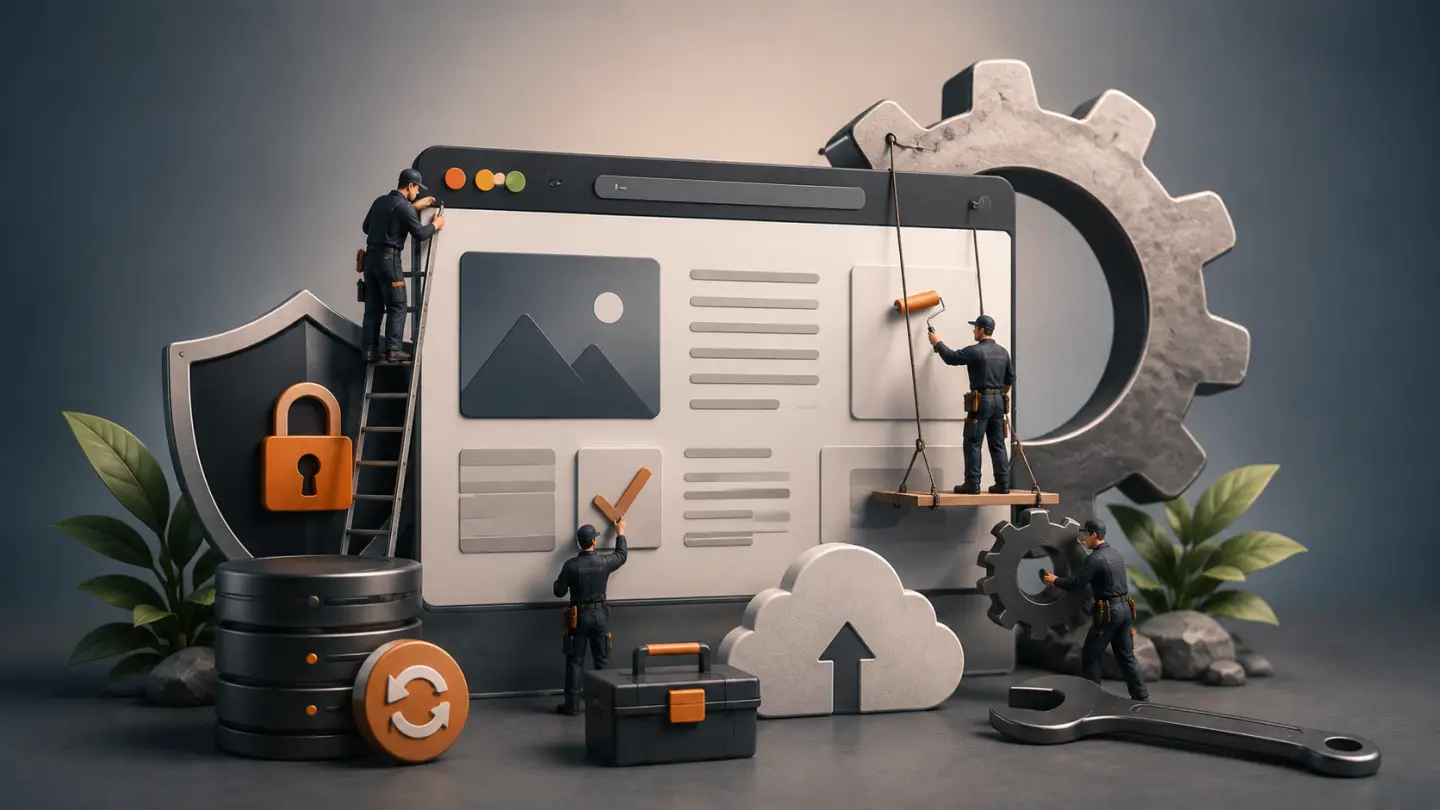
A website does not become maintenance-free once it goes live.
Software changes.
Browsers change.
Dependencies receive updates.
Content evolves.
Third-party integrations change.
And small technical problems can accumulate quietly until something eventually stops working.
That does not mean every business needs an expensive monthly maintenance contract.
It means businesses should understand what they are actually paying for when someone offers ongoing website support.
Good maintenance is not a vague promise to “keep an eye on the website.”
It should reduce technical risk, keep the website healthy and provide a clear path for fixing problems when they appear.
Website Maintenance Is Not One Task
The term website maintenance is often used to describe several very different services.
A maintenance agreement might include:
- software updates
- security monitoring
- backups
- uptime monitoring
- bug fixes
- performance checks
- content changes
- technical support
- hosting management
- ongoing development
Those services do not all require the same amount of work.
A five-page corporate website has very different maintenance requirements from an e-commerce store processing hundreds of orders or a custom application connected to several external systems.
So the first question should not be:
“How much does website maintenance cost?”
It should be:
“What does this website actually need maintained?”
1. Software and Dependency Updates
Websites are built on software that continues changing after launch.
Depending on the project, that may include:
- WordPress core
- WordPress plugins
- themes
- PHP packages
- JavaScript packages
- frameworks
- server software
- APIs
- payment integrations
Updates may contain bug fixes, compatibility improvements or security patches.
But blindly updating everything is not a maintenance strategy.
An update can occasionally introduce a compatibility problem with another component of the website.
A responsible maintenance process should therefore include some form of:
review → update → verify
rather than simply enabling every possible automatic update and assuming nothing will break.
For a small website, the verification process may be very simple.
For a larger e-commerce or custom system, updates may need to be tested more carefully before reaching production.
2. Reliable Backups
Backups are one of the least exciting parts of website maintenance—until they are needed.
A proper backup strategy should consider both:
- website files
- database data
For sites containing frequently changing information, database backups can be especially important.
An e-commerce store may contain:
- customer accounts
- orders
- inventory changes
- settings
- product data
A backup from several weeks ago may therefore be technically valid but operationally useless.
The appropriate backup frequency depends on how often the website changes.
A mostly static corporate website and a busy transactional platform should not automatically use the same backup schedule.
More importantly, a backup is only useful if it can actually be restored.
Maintenance should therefore include confidence that recovery is possible—not merely the existence of backup files somewhere on a server.
3. Uptime Monitoring
Businesses should not rely on customers to tell them the website is offline.
Basic uptime monitoring can automatically check whether the website remains accessible and alert the responsible person when a failure is detected.
This is particularly valuable for:
- e-commerce stores
- lead-generation websites
- booking systems
- SaaS products
- customer portals
The objective is simple:
discover downtime before it becomes a prolonged business problem.
Monitoring alone does not fix an outage.
It shortens the time between the problem occurring and someone becoming aware of it.
4. Security Maintenance
No maintenance provider can realistically promise that a website will never experience a security incident.
Security is about reducing risk.
For a typical business website, ongoing security work may include:
- keeping software current
- reviewing suspicious activity
- protecting administrative access
- removing unused software
- maintaining sensible permissions
- monitoring important services
- responding to known vulnerabilities
- maintaining recoverable backups
The exact requirements depend heavily on the technology being used.
A WordPress website with many third-party plugins has a different maintenance profile from a Laravel application with a controlled dependency set.
This is one reason the decision between WordPress and a custom website affects more than the initial development process.
It can also affect how the website needs to be maintained later.
5. Performance Monitoring
A website may become slower over time even if nobody intentionally changes its architecture.
Common causes include:
- oversized new images
- additional third-party scripts
- analytics tools
- marketing tags
- plugin additions
- larger databases
- inefficient queries
- infrastructure limitations
That does not mean a maintenance team needs to run an extensive performance project every month.
But performance should not be ignored indefinitely.
Periodic checks can identify deterioration before it becomes severe.
This is especially important because website speed affects user experience, conversions and search performance.
Maintenance should therefore distinguish between:
monitoring performance
and:
performing a full performance optimization project.
They are not the same service.
6. Broken Functionality and Integration Checks
A website can remain online while important functionality quietly stops working.
For example:
- a contact form stops sending email
- a payment callback fails
- an API changes
- a CRM integration stops synchronizing
- transactional email is rejected
- a booking workflow breaks
- a shipping integration begins returning errors
These problems may not be visible from the homepage.
For business-critical functionality, maintenance should include appropriate checks rather than assuming that a 200 OK response means the website is healthy.
The more important a workflow is to revenue or operations, the more important it is to monitor it.
7. Technical SEO Health
Website maintenance and technical SEO overlap.
A website can gradually accumulate issues such as:
- broken internal links
- redirected internal URLs
- incorrect canonicals
- accidental
noindexdirectives - missing pages
- sitemap inconsistencies
- broken structured data
- performance regressions
A periodic technical review can catch these issues before they become widespread.
For new websites, start with a proper technical SEO checklist before launch.
Maintenance then becomes the process of preserving that technical foundation as the website changes.
8. Small Fixes and Technical Support
One of the most useful parts of a maintenance agreement is often not monitoring at all.
It is having someone who already understands the website when something needs to be changed.
Examples might include:
- fixing a broken layout
- replacing an outdated integration
- correcting a form
- investigating an error
- adjusting a template
- troubleshooting deployment issues
- making a small technical improvement
Without ongoing support, every minor problem can turn into a new vendor search followed by another round of explaining how the website works.
A maintenance relationship can reduce that friction.
But this needs clear boundaries.
Maintenance should not quietly become unlimited development.
If a business regularly requests new features, integrations or major design changes, that work should usually be treated as ongoing development rather than routine maintenance.
9. Content Changes Are Not Always Maintenance
Businesses should also clarify whether content work is included.
Changing:
- a phone number
- a team member
- a paragraph
- an image
- opening hours
is different from:
- creating a new landing page
- designing a new section
- producing SEO content
- rebuilding a service page
- creating campaign assets
Some maintenance plans include a small amount of content support.
Others provide only technical maintenance.
Neither model is automatically better.
The important part is knowing what the agreement covers before work begins.
What Businesses Should Be Paying For
A useful maintenance plan should purchase specific outcomes or responsibilities, not vague availability.
Depending on the website, those responsibilities may include:
- software and dependency maintenance
- backups and recovery readiness
- uptime monitoring
- security-related maintenance
- performance checks
- critical functionality checks
- technical SEO health checks
- investigation of website errors
- a defined amount of technical support
The plan should also explain what is not included.
For example:
- major new functionality
- redesign projects
- large content migrations
- new third-party integrations
- complete SEO campaigns
- major performance redevelopment
Clear scope protects both the client and the development team.
What You Probably Should Not Pay For
Not every maintenance package provides meaningful value.
Be cautious when the service consists primarily of impressive-sounding activities that have little relationship to the website's actual needs.
For example, a small brochure website probably does not require hours of manual technical work every week if nothing is changing.
You should also question maintenance plans where nobody can clearly explain:
- what is being monitored
- what is being updated
- what happens when something breaks
- how backups work
- what support is included
- what triggers additional charges
A maintenance report containing dozens of technical terms is not automatically evidence that valuable work occurred.
Good maintenance should make the website easier to operate, not make the service harder to understand.
Maintenance Requirements Change With the Website
The level of support a website needs should evolve with its importance to the business.
A simple early-stage website may need relatively light maintenance.
Later, the same company might add:
- online payments
- customer accounts
- integrations
- marketing automation
- multilingual content
- thousands of pages
- custom business workflows
At that point, the consequences of downtime or technical failure become much larger.
Maintenance should increase because the business risk increased, not simply because the website became older.
Do You Need a Monthly Maintenance Plan?
Not always.
A small, stable website may be perfectly manageable with:
- automated infrastructure
- sensible backups
- monitoring
- periodic technical reviews
- support when necessary
Other websites justify continuous support because they generate revenue, handle important customer interactions or support daily operations.
Ask:
- What happens financially if the website fails?
- How often does the website change?
- How many external systems does it depend on?
- How quickly would a problem need to be fixed?
- Is somebody already responsible for the technical side?
The answers tell you more about the appropriate maintenance model than the number of pages on the site.
Maintenance Cannot Rescue a Poor Foundation
There is one final distinction worth making.
Maintenance keeps a healthy system healthy.
It cannot efficiently compensate forever for:
- poor architecture
- an excessive plugin stack
- unreliable hosting
- badly written custom code
- years of unresolved technical debt
- a website that no longer supports the business
At some point, repeatedly repairing the existing system becomes less sensible than improving or replacing it.
If the underlying website has become the problem, the signs may be similar to those we discuss in when a business website needs a redesign.
Final Thoughts
Businesses should not pay for website maintenance simply because someone says websites require a monthly fee.
They should pay when ongoing technical responsibility provides meaningful value.
That value may come from:
prevention, monitoring, recovery, support and continuity.
The best maintenance arrangement is transparent about what is being maintained, how often work occurs, what happens when something goes wrong and where routine maintenance ends and new development begins.
The objective is not to keep developers permanently busy.
It is to keep the website reliable enough that the business does not need to think about it every day.