

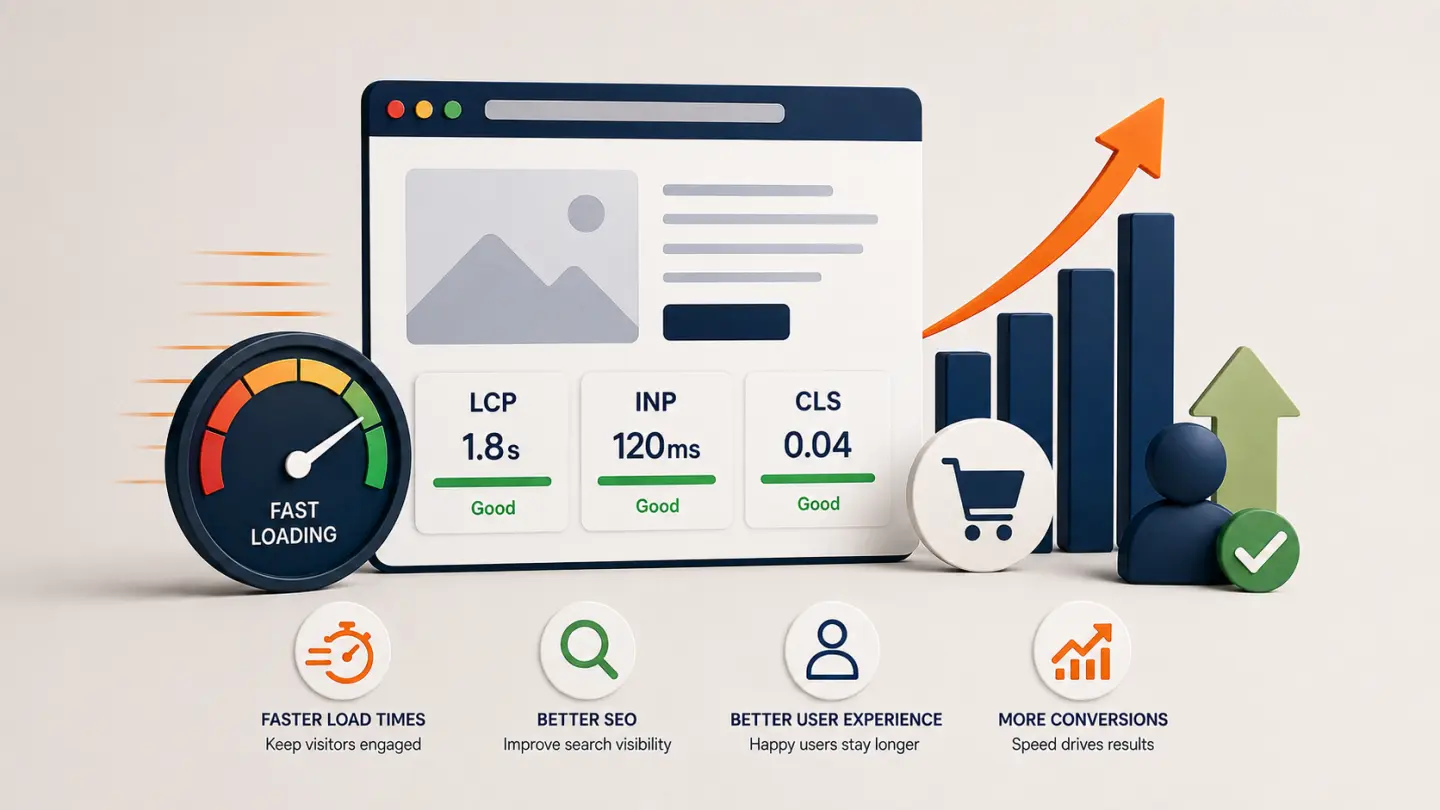
Website speed is easy to treat as a technical detail. A page takes a little longer to load, an image appears a second late, or a button takes a moment to respond. None of those issues may look dramatic in isolation.
But website performance affects the entire customer experience. It influences how quickly visitors can understand your offer, how confidently they interact with the site, whether they complete important actions, and how effectively search engines can evaluate the experience you provide.
That is why improving website speed should not be approached as a quest for a perfect performance score. The real objective is to make the website feel fast, stable and responsive for the people actually using it.
Website Speed Is Part of the User Experience
Visitors do not separate performance from design.
If a beautifully designed page takes too long to become useful, the visitor does not experience it as "good design with a performance problem." They simply experience a frustrating website.
Performance problems can appear in several ways:
- the main content takes too long to appear
- buttons respond slowly after being clicked
- images suddenly move the content around as they load
- navigation feels delayed
- large visual sections block access to useful information
- mobile visitors receive an unnecessarily heavy page
These interruptions create friction at exactly the moment when the visitor is trying to evaluate the business.
A fast website is not one that wins a benchmark. It is one that rarely makes the visitor wait for the interface.
Website Speed and SEO Are Connected — but Not in the Way People Often Think
Website performance matters for SEO, but it should not be simplified into "faster website equals higher ranking."
Google evaluates many different signals when determining search results. Page experience is part of that larger picture, and Core Web Vitals are among the signals used by Google's ranking systems.
That does not mean that shaving a few milliseconds from a page will suddenly move it above a more relevant and useful result.
Content quality, relevance, intent, authority and many other factors still matter. Performance supports those efforts rather than replacing them.
The useful way to think about it is this:
Good SEO gets the visitor to the page. Good performance helps make the page worth visiting.
What Are Core Web Vitals?
Core Web Vitals are Google's metrics for evaluating important parts of the real-world page experience.
Largest Contentful Paint (LCP)
LCP focuses on loading performance. It measures how long it takes for the largest meaningful content element in the viewport to render.
A large hero image, banner or major content block is often involved.
Google's current guidance considers an LCP of 2.5 seconds or less a good target.
Interaction to Next Paint (INP)
INP measures responsiveness.
In practical terms, it asks whether the page responds quickly when someone interacts with it. Clicking a button or opening a menu should not leave the interface feeling temporarily frozen.
Google's good threshold is currently under 200 milliseconds.
Cumulative Layout Shift (CLS)
CLS measures visual stability.
You have probably experienced the problem it represents: you are about to click something, another element loads, and the entire page suddenly moves.
A good CLS score is currently below 0.1.
These metrics are useful because they focus on experiences visitors can actually notice rather than purely technical measurements.
Performance Problems Can Also Become Conversion Problems
Imagine someone arrives on a service page after searching for exactly what your company provides.
The visitor is interested. The traffic source worked.
Then the page loads slowly. The menu hesitates. A large image shifts the contact button down the screen. The inquiry form takes another moment to become responsive.
Every one of those moments adds friction.
This is why performance should be considered alongside the principles we discussed in what makes a website convert visitors into customers.
Strong messaging and clear calls to action are important, but they still depend on the visitor being able to use the interface comfortably.
A conversion path cannot be truly optimized if the experience leading to it feels slow or unreliable.
Why Do Websites Become Slow?
Most slow websites were not intentionally built to be slow.
Performance problems usually accumulate.
A marketing script is added. Then another analytics platform. A larger hero image replaces the previous one. A plugin adds JavaScript to every page. A third-party chat widget arrives. Fonts multiply. Old functionality remains even after nobody uses it.
Eventually the browser is being asked to perform considerably more work than the visitor can see.
Common causes include:
- unnecessarily large or poorly optimized images
- too much client-side JavaScript
- render-blocking resources
- slow third-party services
- poor caching strategies
- inefficient database queries
- slow application code
- weak hosting infrastructure
- excessive plugins or extensions
- fonts and assets that are loaded but rarely used
The important point is that performance is a system. There is rarely one magic setting that fixes every slow website.
A Faster Server Does Not Fix Every Performance Problem
Upgrading hosting is sometimes the correct decision.
But moving an inefficient website to a larger server can simply give inefficient code more resources to waste.
A useful performance review separates the problem into layers:
- Backend: server response, application code, database and caching.
- Network: asset delivery, compression, CDN strategy and latency.
- Frontend: JavaScript, CSS, fonts, images and rendering.
- Third parties: analytics, advertising, chat, embeds and tracking.
This matters because different bottlenecks require different solutions.
Image Optimization Is Usually One of the First Places to Look
Modern websites are visually demanding, and images are often among their largest assets.
A single oversized photograph can outweigh the HTML, CSS and application JavaScript required for the rest of the page.
Good image handling typically means:
- serving dimensions appropriate for the device
- using efficient formats where appropriate
- compressing without visibly damaging the image
- avoiding unnecessary upscaling
- lazy-loading images that are genuinely below the fold
- prioritizing important above-the-fold imagery correctly
The goal is not to make every image tiny.
It is to stop sending visitors pixels they do not need.
Third-Party Scripts Deserve Suspicion
Some of the heaviest components on a website may not have been written by the development team at all.
Analytics tools, advertising systems, heatmaps, chat widgets, review platforms, social embeds and marketing automation scripts can all consume browser resources.
Each individual tool may seem justified.
The problem appears when nobody reviews the collection.
Every third-party script should continue earning its place on the website.
If a service creates measurable business value, its performance cost may be justified. If nobody knows why it is still installed, removing it may be one of the easiest optimizations available.
Sometimes Performance Problems Point to a Larger Redesign Problem
Not every slow website needs to be rebuilt.
Many can be improved through targeted engineering work.
But performance issues can also reveal deeper architectural problems: years of accumulated plugins, duplicated components, obsolete frontend frameworks or a content structure held together by increasingly fragile patches.
In those cases, optimization becomes part of a broader question about whether the business website needs a redesign.
Continuing to optimize a fundamentally unsuitable architecture can eventually cost more than replacing the parts that are causing the problem.
Measure Real Users, Not Just One Test
Performance testing tools are valuable, but a single test result should not become the entire strategy.
Lab tests can help developers reproduce and diagnose problems. Real-user data helps show what people actually experience across different devices, networks and environments.
Both perspectives matter.
The objective is not:
"How do we get 100 on every test?"
A better question is:
"What is making this experience slower or less stable for our users, and what improvement will produce meaningful value?"
Performance Should Be Designed In, Not Added Later
Website speed is much easier to protect when performance is considered during design and development.
Decisions about imagery, animation, frameworks, third-party tools, hosting, architecture and content all have consequences.
That does not mean every website should be aggressively minimal.
Rich interfaces, large visuals and sophisticated interactions can still perform well. They simply need to be engineered deliberately.
Technology choices should also reflect the actual project rather than assumptions about which platform is automatically faster. The same principle applies when deciding between WordPress and a custom-built website.
Final Thoughts
Website speed sits at the intersection of design, development, SEO and business performance.
Visitors want pages that respond quickly. Search engines want to surface useful experiences. Marketing teams want traffic to turn into action. Development teams want systems that remain maintainable as they grow.
Performance supports all four.
The goal should therefore be larger than simply making a website load faster.
It should be to create an experience that feels immediate, stable and effortless while still doing everything the business actually needs it to do.